
Shopify app · First release by HGDE Studio
HGDE MatchGrid
Image cards guide shoppers to a matching product – and whole sets go into the cart in one click.
Now on the Shopify App Store: install HGDE MatchGrid or try it live first.
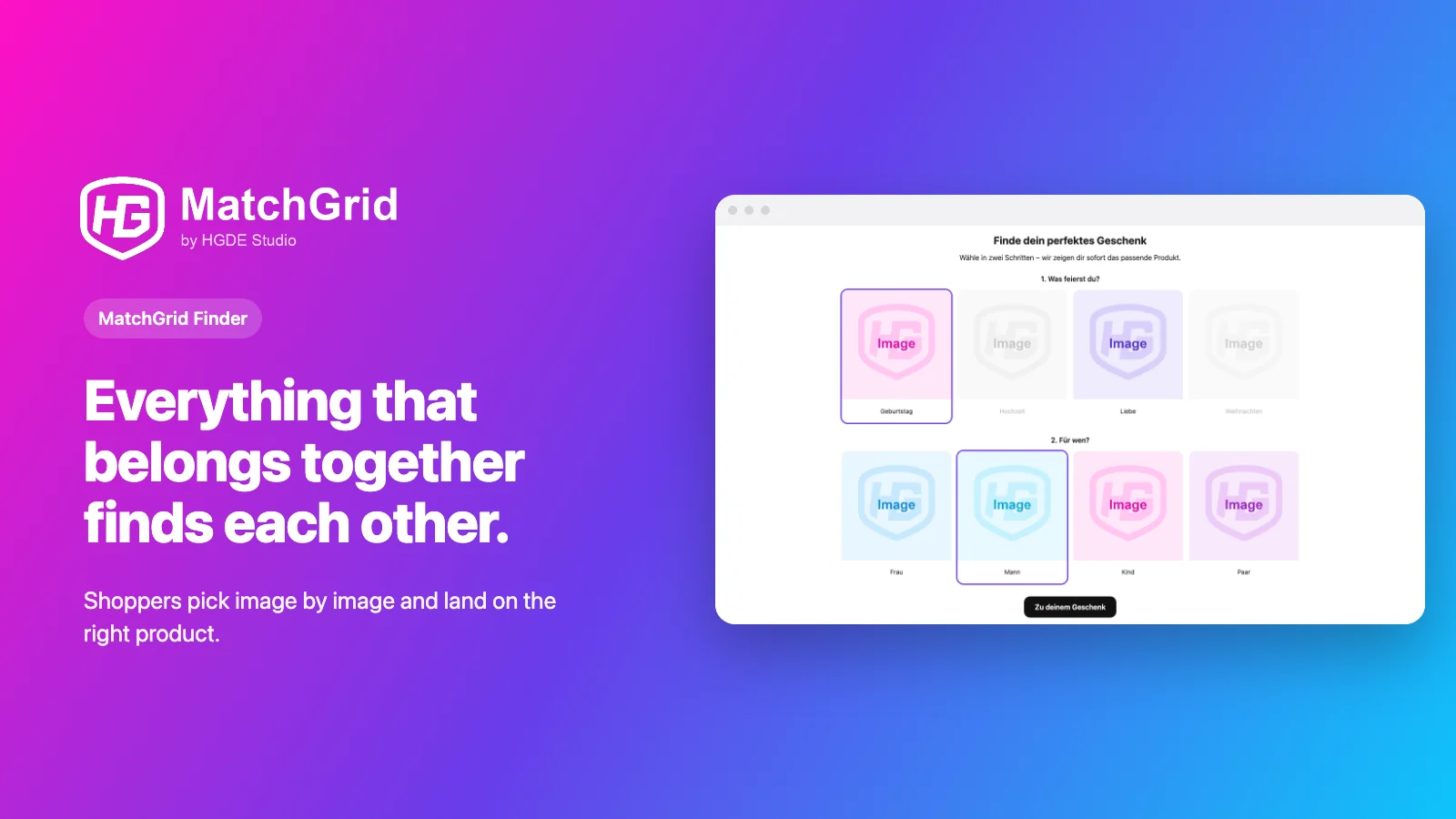
Finder
Pick instead of search
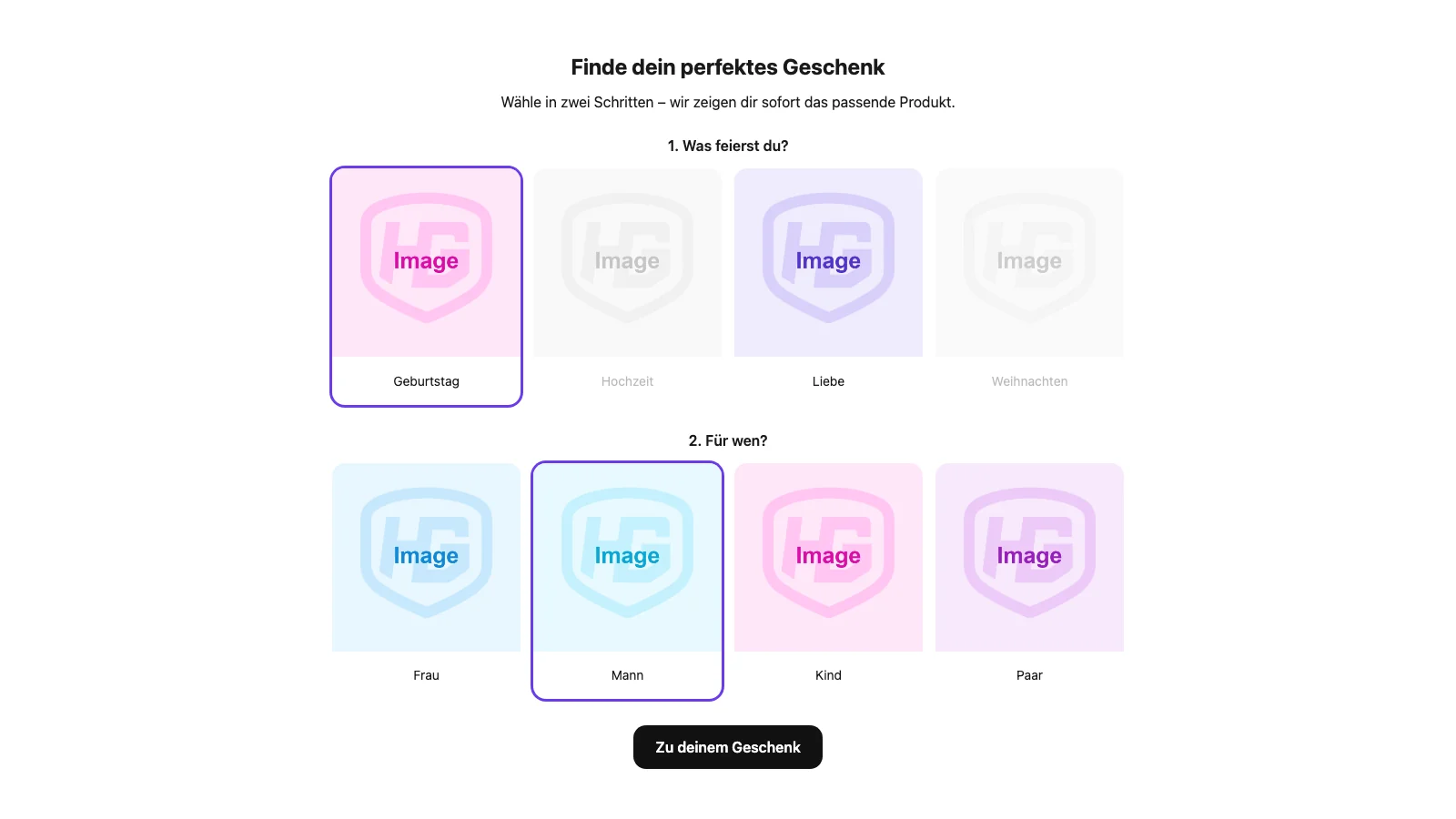
Shoppers pick one image card per step – occasion, person, style or whatever fits your range. Each combination leads to a product, a collection or a link.
Cards that would lead nowhere with the current selection are greyed out, so nobody hits a dead end.
Bundles
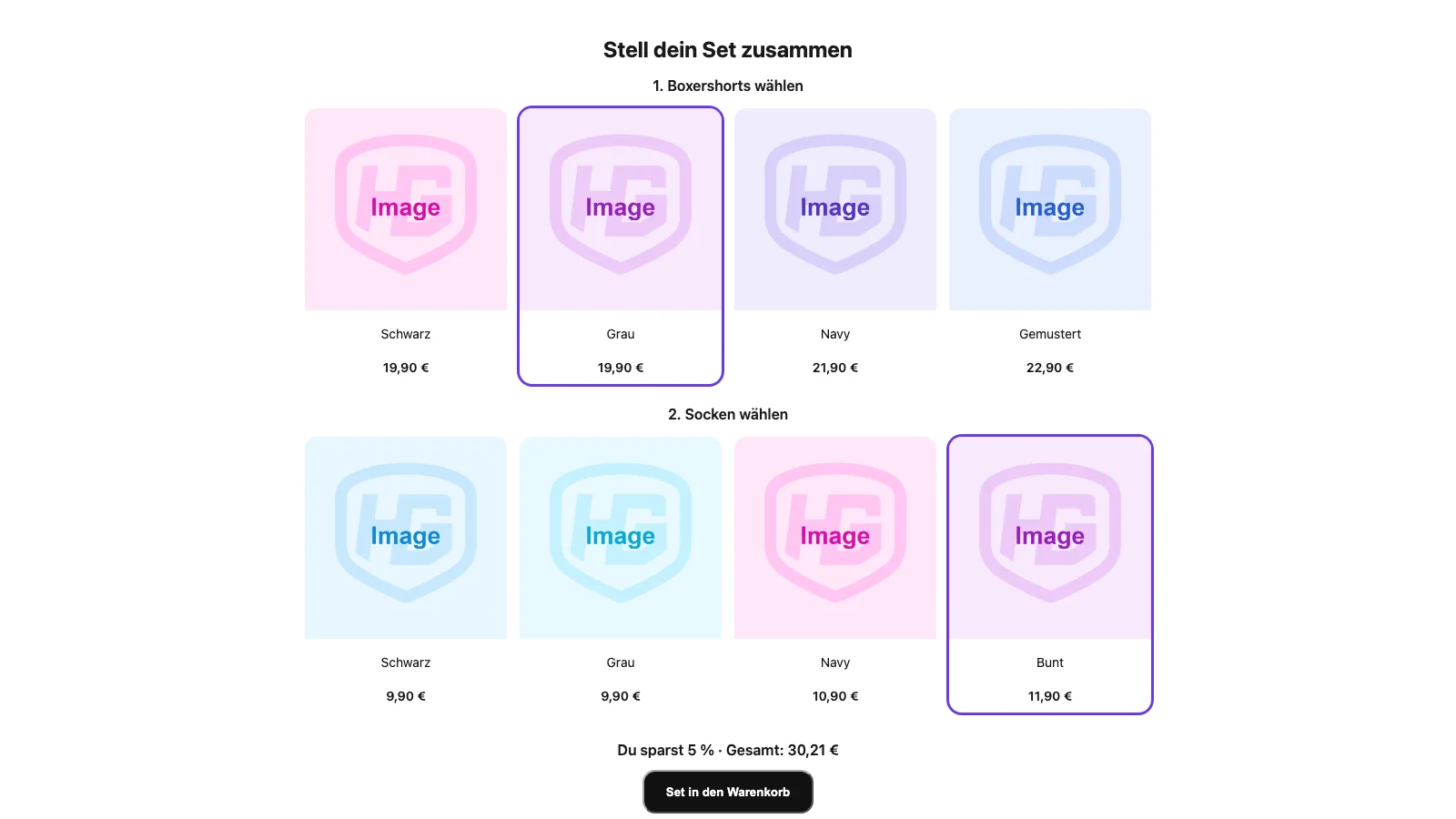
Sets made from real products
Shoppers pick one product per row and add the whole set to the cart together. Image, title, price and variants come straight from Shopify.
A tiered discount rewards bigger sets, for example 5% from 2 items, 7% from 3. Shopify itself calculates it at checkout – only for the products that were added as a set.
You do not have to maintain the products twice: connect a row to a Shopify collection and the content comes straight from your catalogue, with new items appearing in the slider automatically.
There is also the “One category” variant: a single slider from one or more collections, from which shoppers pick several products. The discount then follows the number of items instead of the rows – 12% from 3 items, 20% from 4, and anything above that keeps the highest tier.
On mobile
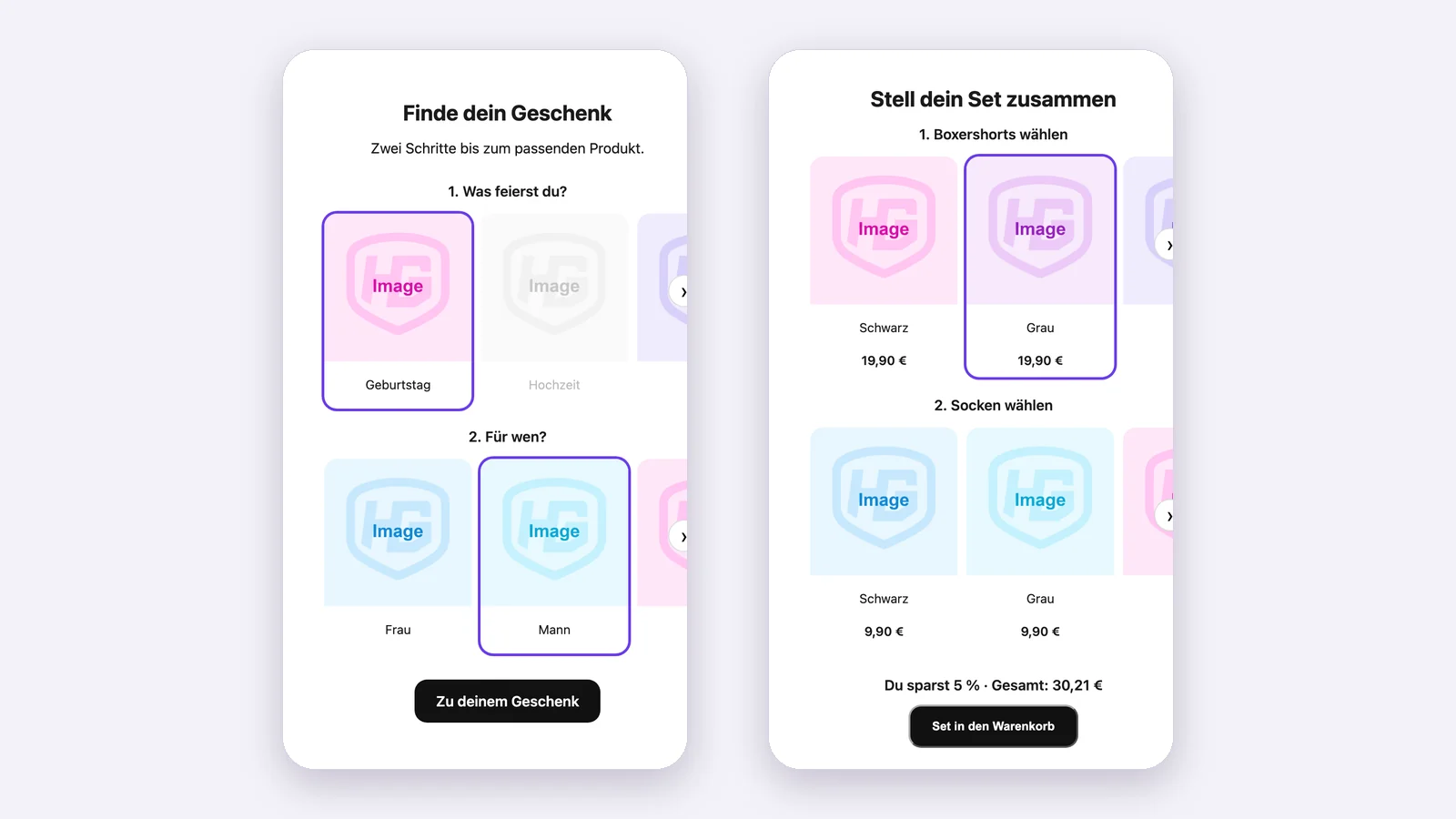
Swipe instead of scroll
On phones shoppers swipe through the cards. Columns, spacing, colors and corners are set in the theme editor – as a slider or a grid.
Card styles · Pro
Matching your store
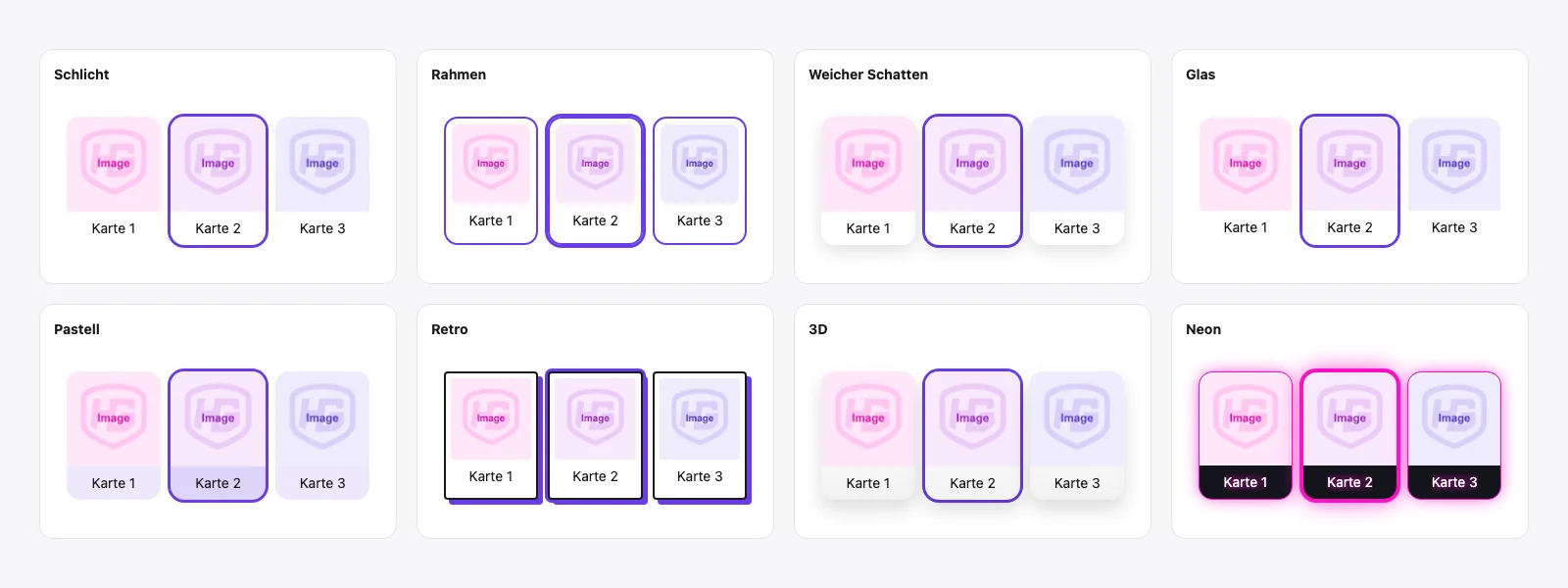
Neon, pastel, retro, soft shadow, 3D and more – with your own effect color and card background.
Statistics · Pro
See what works
How often are finders and bundles shown, which cards get picked, at which step do shoppers drop out, and how many reach a result or the cart? Cards nobody picks stand out right away. Numbers can be exported as CSV.
Privacy
No data about visitors
HGDE MatchGrid stores no data about store visitors and sets no cookies. Statistics only count events in total per day. The app server is located in Frankfurt, Germany.
Plans
Three plans, clear limits
Current prices are listed on the Shopify App Store.
| Light | Basic | Pro | |
|---|---|---|---|
| Finders | 1 · 2 steps | 2 · 4 steps | 15 · 4 steps |
| Cards per step | 8 | 16 | 24 |
| Targets | 40 | 150 | 300 |
| Bundles | 1 · 2 rows | 2 · 4 rows | 15 · 4 rows |
| Products per bundle row | 12 | 24 | 24 |
| Collections per category slider | 1 | 2 | 4 |
| Load more products while swiping | – | – | ✓ |
| Discounts | – | ✓ | ✓ |
| Statistics | – | – | ✓ |
| Card styles | – | – | ✓ |
| “Powered by” note in store | trial only | trial only | trial only |
Why Pro isn’t “unlimited”: Shopify allows at most 25 active automatic discounts per store. HGDE MatchGrid uses at most 20 of them, so the rest stays free for your own discounts.
Set up in five steps
Pick a template, design the cards, connect the combinations, check the matrix, add it in the theme editor.